◢◢ Members - Staff & Partner Flag
We can now mark a Member as staff or partner in the JAdmin UI.
Marking a Member as either a staff or partner only has a couple of effects at the moment:
- Excluding them from the Organic Rewards calculations
- If they're
staffit shows the Staff badge next to their name on the Platform
How to set the Staff property for a Member
- Go to JAdmin
- Navigate to the Users section
- Search or filter your way to the user you want to edit, click on that row
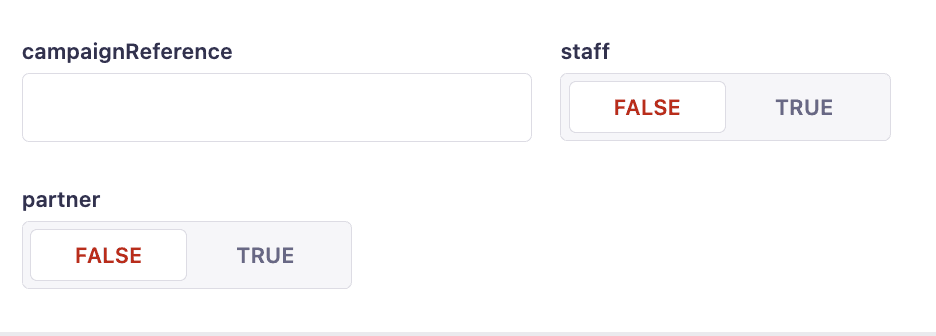
- Toggle the staff/partner property you wish to turn on/off
- Hit the Save button
It'll look something like this: